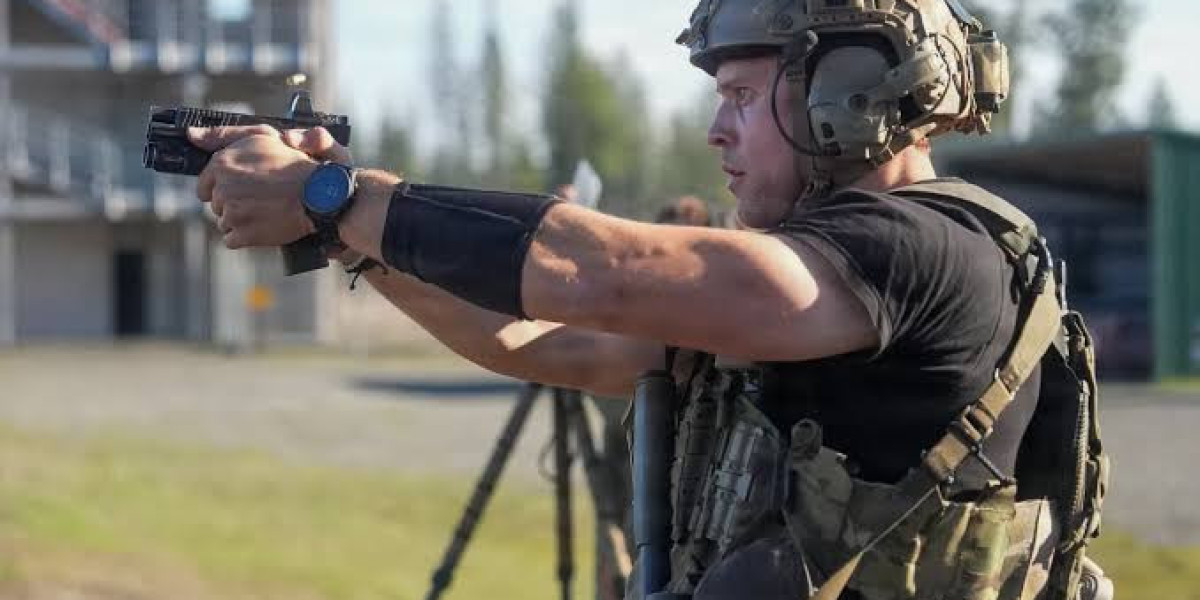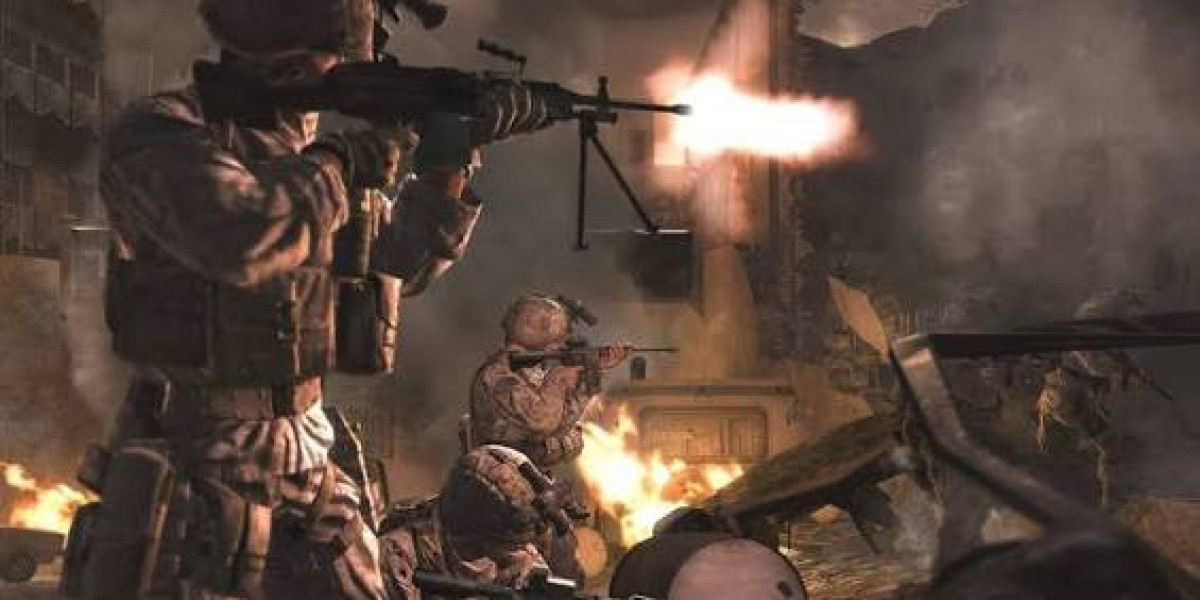
Most visibility problems in MW4 aren't caused by one bad setting. It's usually a messy mix of screen effects, awkward FOV, and rushing into fights without a clear read on the room. If you use CoD MW4 Bot Lobbies to warm up, treat that time like a proper test range. Try one setting, watch how targets move through smoke or shadows, then keep what actually feels better. Don't change everything at once. That's how players end up with a setup they can't explain.
Clear the Screen First
Start with the stuff that makes the image feel busy. World Motion Blur and Weapon Motion Blur might look cinematic, but they can make quick turns feel muddy. Film Grain is another easy one to remove. It adds texture, sure, yet it can make distant movement less obvious. Depth of Field is worth switching off too, especially if you're trying to catch someone crossing a long lane. You want the picture to stay sharp when you sprint, slide, or snap onto a doorway.
1. Turn off world and weapon motion blur.
2. Set film grain to zero.
3. Keep depth of field off.
Set FOV for Your Actual Fights
A wider FOV gives you more information at the edges of the screen. That helps on tight maps, near stairwells, and around side routes where players appear fast. Still, there's a trade-off. Push it too far and people at range start looking tiny. For most players, 100 to 105 is a solid place to begin. Run a few matches there. If enemies keep slipping past your peripheral view, move it up a little. If long shots feel harder than they should, pull it back.
There's no magic number here. Your monitor size, seating distance, and weapon choice all change what feels right.
Keep the Image Stable
PC settings matter most when effects start stacking up. Heavy shadows, fog, particles, and reflections can hide a player for just long enough to lose a gunfight. Lowering those options doesn't mean turning the game into a blurry mess. Keep textures high enough that windows, cover edges, and distant bodies remain easy to separate. The goal is a clean image, not the lowest possible settings.
| Setting | Suggested Direction | What You Notice |
|---|---|---|
| Shadow Quality | Low or Medium | Cleaner dark corners |
| Volumetric Quality | Low | Less fog during fights |
| Texture Resolution | Medium or High | Sharper distant cover |
Frame rate deserves the same attention. A smooth match is easier to read because enemy movement stays consistent. When performance drops during explosions or crowded pushes, your aim can feel late even when your reaction is fine. Ray tracing is nice for screenshots, but it's rarely worth the extra load if you're trying to spot movement quickly. Keep the setup steady first, then add visual extras only if the game still runs well.
Build Tracking Into Your Routine
Settings help, but they won't fix crosshair placement by themselves. Spend a few minutes watching a moving target before you fire. It sounds basic. It works. You start noticing how far your aim drifts when you strafe, how often you overcorrect, and which ranges make your sensitivity feel off. Practice rooms are useful because there's less pressure and more room to repeat the same angle.
1. Track without firing for thirty seconds.
2. Hold chest height through each doorway.
3. Review one death before changing settings.
Use Cover to Make Enemies Easier to Read
Good positioning creates visibility before the fight even starts. Don't stand in open ground hoping your settings will save you. Play near cover, expose less of your body, and check the likely angles before crossing. Windows, rooflines, door frames, and narrow paths are usually where the next fight begins. Weather and map effects can change the picture during a match, so learn which routes stay readable and which ones turn messy. Once your FOV, display options, and movement habits start working together, fights feel less random. You'll spot more, react sooner, and know whether to buy Bot Lobbies MW4 for a focused session or load a private match first.